If you're reading this, you're probably wondering one thing:
Is Hypertide actually worth using in 2025, or just another overhyped tool with good marketing?
I had the same question.
So I did what most people don't:
✅ Read through 100+ real Hypertide reviews
✅ Talked to current and former users
✅ Tested the platform myself across a few cold email campaigns
Because here's the truth, most “Hypertide reviews” on Google?
They're either sponsored fluff or surface-level overviews.
They don't tell you what actually breaks.
They don't tell you what Hypertide does better than anyone else.
This post will.
Whether you're a founder, sales lead, or running outreach at an agency…
This review breaks down:
If you've been searching Hypertide review and still feel unsure, this article will save you time, money, and a few broken inboxes.
Let's get into it 👇
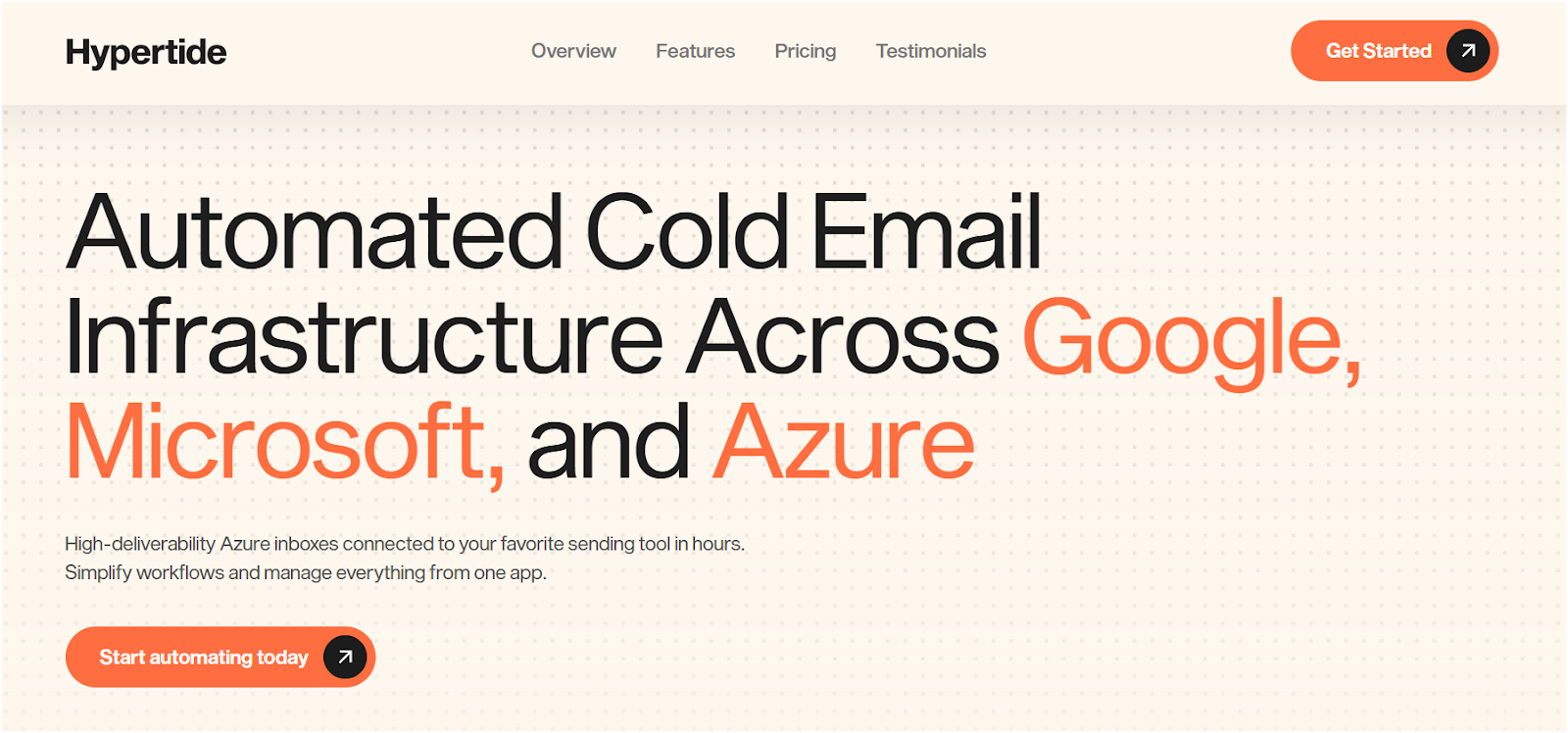
Hypertide is a cold outreach automation platform and cold email infrastructure platform that helps B2B teams send personalized emails at scale without burning their domain.
Hypertide is designed for high-volume outreach, offering comprehensive automation for setting up dedicated email accounts, DNS configurations, and warm-up processes.
Hypertide's infrastructure leverages Microsoft Azure servers and a native Outlook UI, which is seen as more reliable than generic reseller accounts.
Hypertide is primarily targeted at lead generation agencies and businesses with high email volume, providing reliable infrastructure and high deliverability for outreach campaigns.
But does it actually do all that well? We’ll get to that.
For now, here’s who it’s really built for:
Hypertide isn't trying to be an all-in-one.
It's not competing with HubSpot, Instantly, or Lemlist on feature bloat.
Instead, it leans hard on:
Hypertide's app provides a user-friendly interface that acts as a central hub for managing your email infrastructure.
The app is designed to reduce technical complexity, making domain setup, DNS management, and inbox integrations straightforward for users.
It's trying to be the “no-BS cold outreach tool” for people who don't want to spend 3 hours figuring out DNS, sequences, and inbox warmup logic.
But positioning doesn't always equal performance.
Keep reading to see what you actually get with Hypertide 👇
If you’re searching “Hypertide features” or trying to figure out what this tool actually does, here’s the breakdown without the marketing spin.
Hypertide isn’t a CRM. It’s not a sequencing tool.
Hypertide automates the entire process of mailbox creation, mailbox setup, and DNS configuration, eliminating manual DNS work. This streamlines the setup and management of your email infrastructure, allowing you to scale cold email and efficiently handle scaling cold outreach campaigns. Hypertide completes inbox setups in just 4 to 6 hours, significantly faster than many competitors.
It is designed for scalability, enabling users to manage unlimited clients and inboxes from a single dashboard without compromising performance or security.
Hypertide provides a user-friendly interface that lets you efficiently manage your outreach infrastructure, including inbox management and campaign tools.
Here’s what you actually get:
No VAs. No delays. Hypertide sets up ready-to-use inboxes across Google, Microsoft, and Azure automatically, in just a few hours—typically 4 to 6 hours—making it significantly faster than many competitors.
Users can create unlimited inboxes and manage multiple inboxes and domains from a single dashboard, simplifying the email outreach process.
Hypertide deploys custom Azure inboxes for high-volume outreach campaigns, with each inbox hosted on its own Azure tenant to ensure tenant separation.
This automated process guarantees inbox isolation and protects deliverability.
Hypertide manages all DNS records, including DMARC records, automatically—no need to touch your DNS panel. Every order comes with pre configured SPF for optimal deliverability, as well as correctly configured DKIM and DMARC out of the box.
Each setup is fully isolated, providing users with their own dedicated tenant, dedicated infrastructure, dedicated servers, and dedicated IPs. This means each domain is separated into its own dedicated tenant and panel, ensuring exclusive control over email delivery and server environment.
This isolation reduces the risk of shared reputation damage and improves overall deliverability and security. Users have noted that Hypertide's design helps protect sender reputation by keeping each domain independent from others.
No shared sending pool. No one else can tank your domain reputation.
Works with tools you already use:
✅ SmartLead
✅ Instantly
✅ Bison
Hypertide also integrates with major sequencers and offers API access for advanced automation and seamless integration with your existing email infrastructure.
You don’t need to change your sending strategy, just plug Hypertide into it.
One $50/month plan =
→ 50 inboxes per single order, designed to maximize reply rates
→ Hypertide offers monthly billing at a low cost, making it a cost-effective solution for scaling outbound email campaigns. Users can send up to 5,000 emails per month across 100 inboxes for each order, helping keep sender reputation safe while maximizing reach.
→ All infrastructure handled
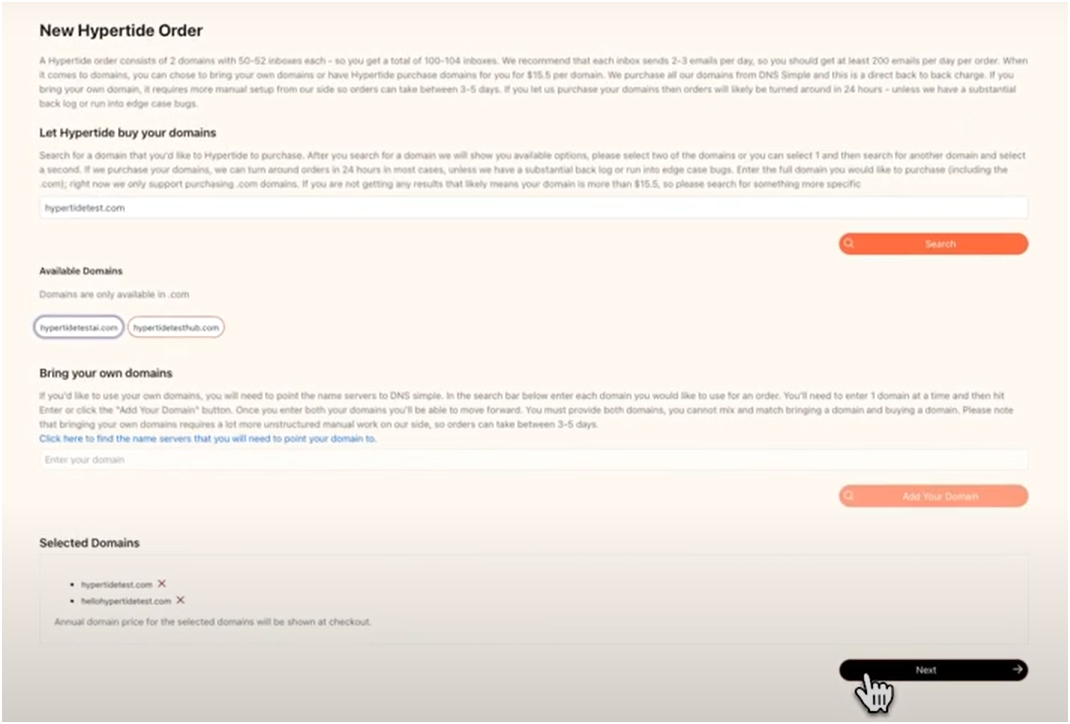
Already have domains? Use them.
Don’t? Buy new ones.
Hypertide handles either case with the same automation pipeline.
Hypertide domains are optimized for cold outreach and can be managed alongside your own domains. You can easily rotate domains to improve deliverability and avoid spam filters, making it ideal for agencies and teams running multi-domain email marketing strategies. By automating technical setup, Hypertide allows your team to focus on list building instead of DNS configuration.
Access to internal warmup tools to manage inbox health at scale.
Hypertide's warm up process is designed to help ensure fewer throttling issues compared to other providers, which leads to more stable performance and a higher inbox reputation during the crucial warmup period.
Built-in verification features help maintain sender reputation during the warmup process, which is essential for maintaining deliverability.
Control your warmup settings without jumping between platforms.
Manage all tenants, hypertide inboxes, and infrastructure in one place.
The dashboard streamlines inbox management and automates key processes for outbound campaigns, giving users full control over their infrastructure, including server configuration, domain management, and deliverability settings. Each user's environment is isolated from other users, protecting reputation and deliverability.
No spreadsheets. No chaos. Just clean visibility.
No tier upgrades. No add-ons.
$50/month per order. Simple. Predictable. Built for cold email scale.
Next up: let’s talk pricing of Hypertide.
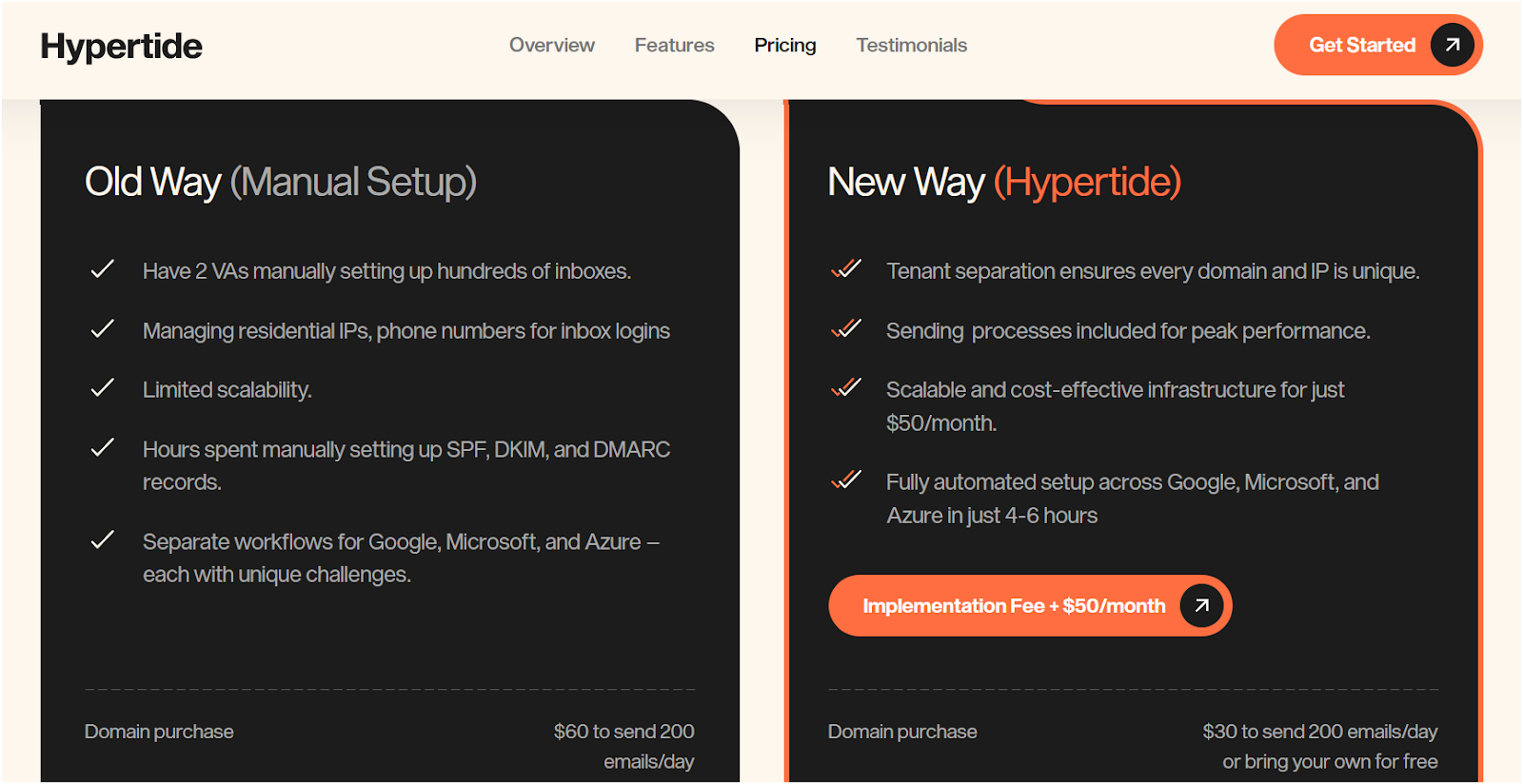
When you Google “Hypertide pricing,” here's what you usually don't see:
The full cost.
What's included?
And how it compares to other email infrastructure tools.
So here's the real breakdown, no marketing spin, just math.
Hypertide charges $50/month per order, plus a one-time setup fee.
Each order includes:
Agencies can easily manage billing for each client with predictable costs.
That’s it. No usage-based fees. No per-seat pricing. No “enterprise” surprise.
While the monthly cost is flat, here’s what may cost extra depending on how you set things up:
If you bring your own domains, that saves even more.
If you don’t, budget ~$30–$60/domain.
Next up: let’s talk pros and cons, where it wins, and where it doesn’t.
You're probably not here to read a list of generic “pros” like
✅ Great UI
✅ Works as expected
You want to know if Hypertide is actually worth using in your workflow, or if it's another cold email tool with a fancy landing page.
One of Hypertide's key strengths is its focus on protecting sender reputation and ensuring high deliverability for your cold outreach campaigns.
So we broke it down honestly, what Hypertide does well and where it falls short, based on reviews, user feedback, and hands-on testing.
Use this to decide if it's the right fit or a waste of time.
Hypertide works if you know what you’re doing and need a scale.
It won’t hold your hand. But if your team is solid and you need automated infrastructure, it delivers.
Next, let’s look at the best Hypertide alternative, just in case it’s not the one for you.
Hypertide isn't for everyone.
Suppose you're looking for more control, faster support, or a platform that handles not just inbox infrastructure but also DNS, warmup, and inbox placement monitoring.
In that case, you'll probably want something more flexible.
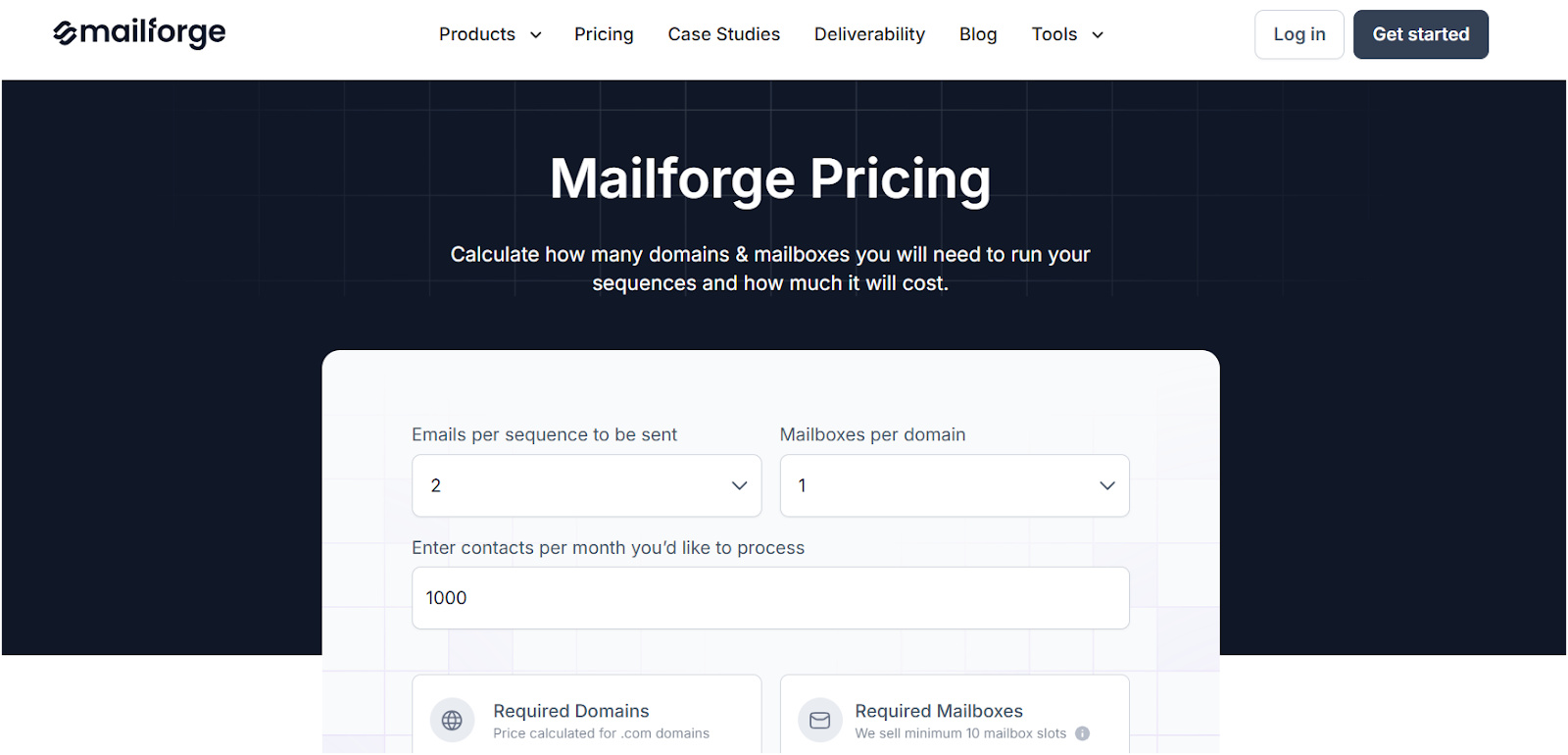
That’s where Mailforge steps in.
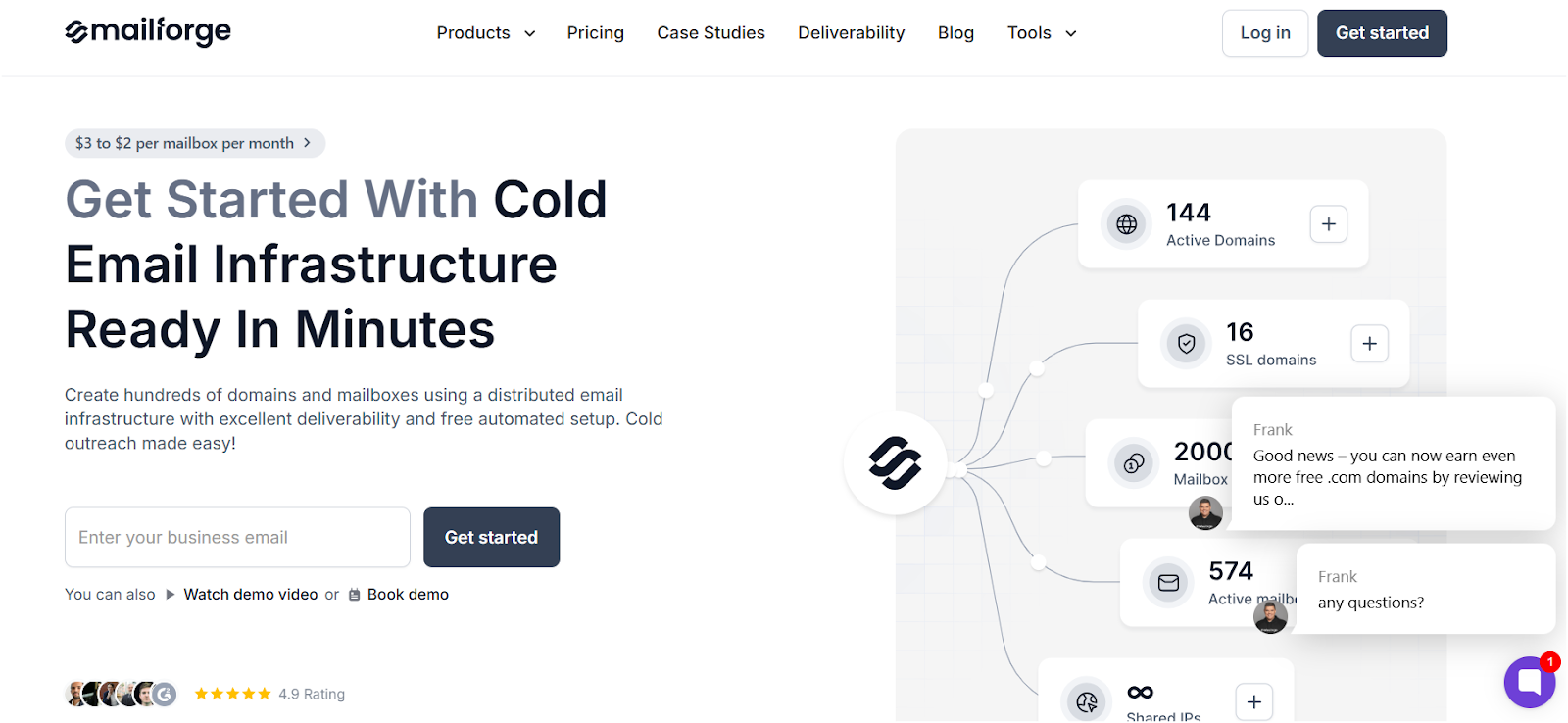
If Hypertide gives you speed and bulk inbox creation, Mailforge gives you control and clarity.
Where Hypertide is a black box with automation, Mailforge is built for ops teams, founders, and agencies who want infrastructure visibility, not just setup speed.
Here's what makes it different:
Use Mailforge if you:
In short, Mailforge is the better pick if you're serious about email deliverability and long-term infrastructure control.
Hypertide is a solid choice, but only if you're playing the cold email game at scale and know exactly what you're doing.
If you're an agency, ops lead, or founder managing multiple domains and inboxes, Hypertide gives you the speed and infrastructure to get up and running fast, no VAs, no manual setup, no DNS headaches.
But it's not built for everyone.
There's no real-time monitoring. No sequencing. No trial. And minimal support if things go wrong.
If you want more control, better visibility, and hands-on tools to protect your email reputation, is a better Hypertide alternative
Mailforge helps you with:
➡️ Try Mailforge now — before you burn another domain.